How to Self-Host RustDesk for Secure Remote Access
Luca Tariciotti 3 min read
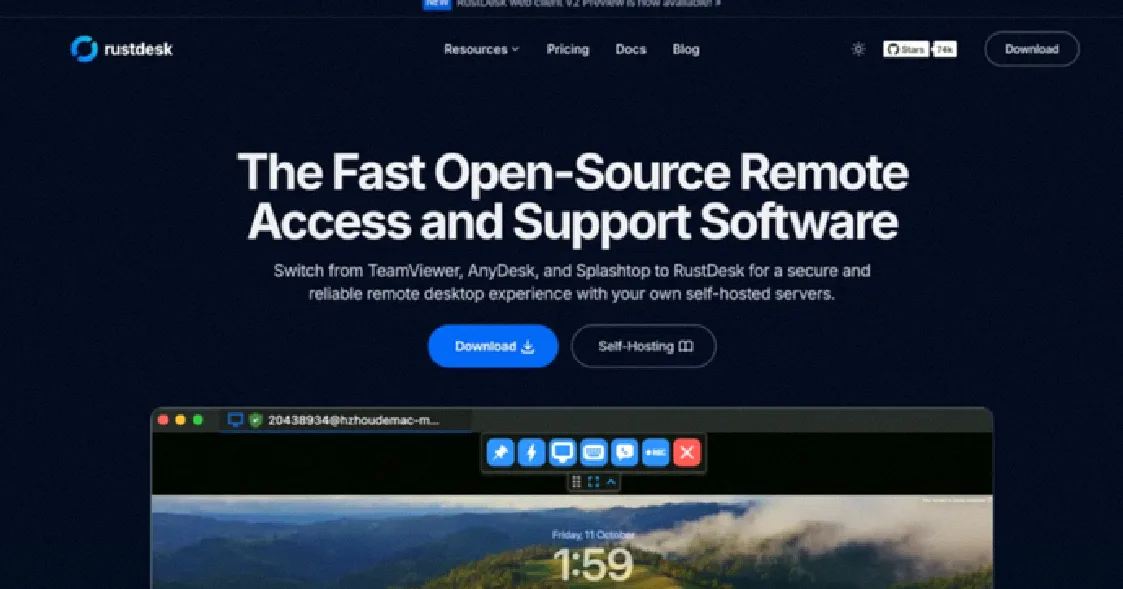
Self-hosting RustDesk gives you more control over your remote access tools. It provides better security and performance compared to SaaS solutions.
If you're tired of relying on third-party SaaS tools like TeamViewer or AnyDesk, you might want to take more control of your remote access setup. This guide walks you through setting up your own RustDesk servers. You'll learn why self-hosting makes sense for security, performance, and control. Whether you're managing IT infrastructure or just wanting more reliable access, the steps below will help you deploy RustDesk on-premise.
Self-hosting RustDesk gives you full data control. Instead of relying on a vendor's cloud services, you keep your remote access tools on your own infrastructure. This approach also aligns with regulatory compliance, especially if you handle sensitive data. RustDesk is a world-class open-source project with over 113,000 GitHub stars. It's backed by a global community and ranks among the top open-source software projects. Running RustDesk on your own servers means no dependency on third-party availability, and you get the flexibility to customize your setup to fit your specific needs.
Why Self-Hosting RustDesk Makes Sense
Full data control is a key benefit of self-hosting. When you run RustDesk on your own servers, your data stays under your control. This is especially important for organizations that need to demonstrate compliance. You also get world-class open source with a massive community and strong adoption.
Performance and reliability are another big advantage. Unlike SaaS platforms, you aren't subject to unpredictable outages. You also have flexibility and customization — you can tailor RustDesk to match your exact requirements. The good news is that deployment is straightforward. Built-in network configuration and server setup make installing RustDesk on-premise a breeze.
Step-by-Step Deployment Guide
To get started, you'll need to install Docker. This is a lightweight container management tool that makes running RustDesk efficiently. Here's how:
-
Install Docker using the official installer script.
-
Download the compose.yml file from rustdesk.com. You can use either the OSS or Pro version.
-
Run the Docker Compose command to start the services.
Once these steps are complete, your RustDesk servers are ready to go. Remember to configure your network settings to ensure your servers are accessible from the correct IP addresses.
Customization and Deployment Options
Once RustDesk is running, you can personalize it further. Customizing your client allows you to add your brand. You can personalize RustDesk client with your name, icon, or logo. This makes your remote desktop feel more like a tool that belongs to your organization.
Deployment options also include hosting the web client on your server with your own domain name. This approach makes remote access even easier. You can also choose from a variety of configuration options. More than 90 options are available for advanced configuration, so you can fine-tune performance, security, and access controls to match your environment.
RustDesk supports multiple platforms, including Windows, macOS, Linux, and Android. This cross-platform support ensures that your remote desktop experience works seamlessly across different devices.
Common Questions
Q: How do I ensure my RustDesk servers are secure?
A: Always keep your server software updated. Use strong passwords and enable TLS encryption for data in transit.
Q: What is the difference between the OSS and Pro versions?
A: The Pro version includes additional features like WebRTC direct connections and advanced quality of service (QoS) handling.
Q: Can I host the web client on my own domain?
A: Yes, by configuring the web client to run on your server with your domain name. This makes remote access even easier.
Conclusion
Setting up RustDesk on your own servers gives you more control over your remote access tools. Whether you're managing IT infrastructure or just want more reliable access, self-hosting RustDesk is a practical choice. By taking ownership of your setup, you ensure better security, performance, and flexibility.